

How it works
GitWhy contexts start private — visible only to you. When you share them, your team can browse all shared contexts organized by repository, domain, and topic.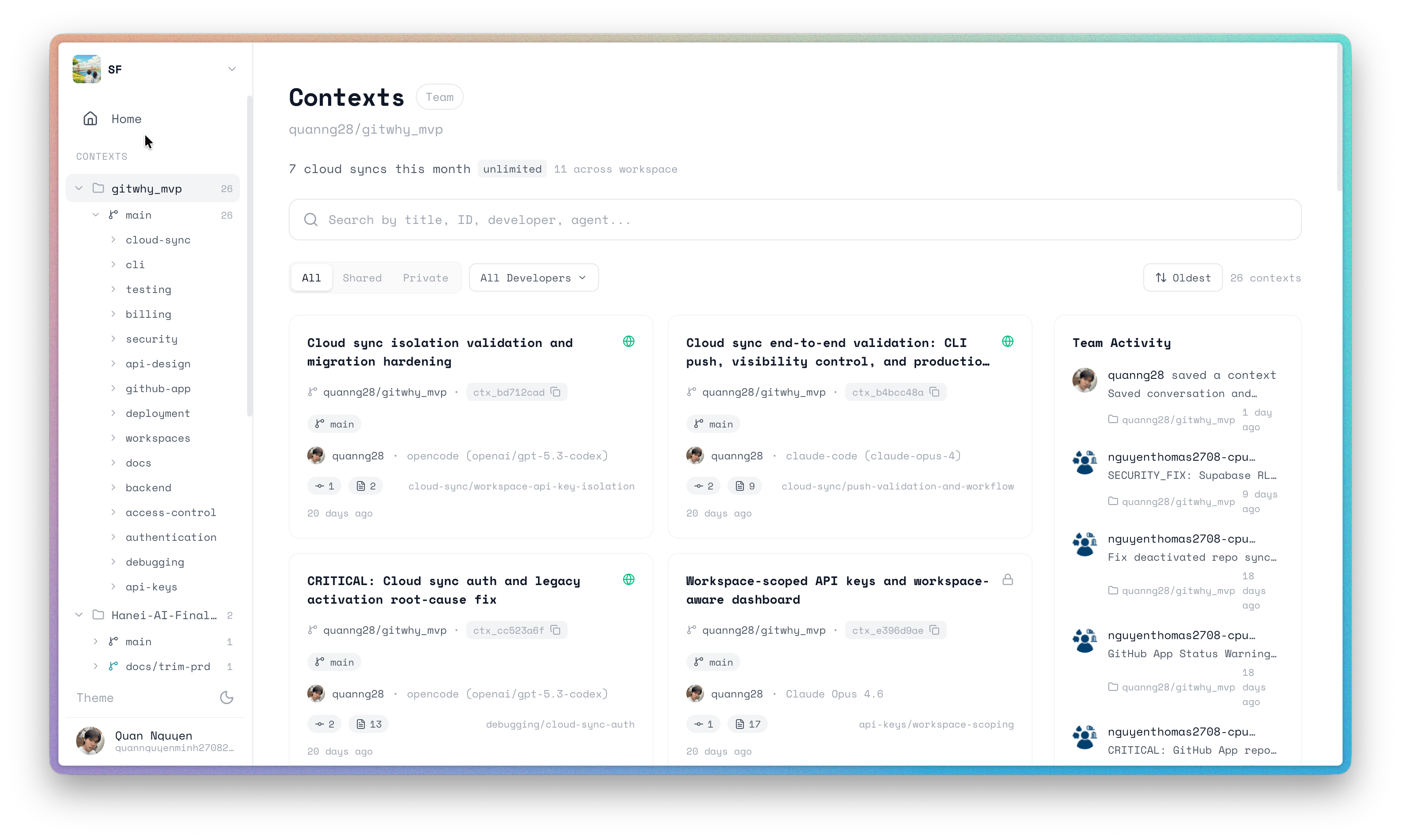
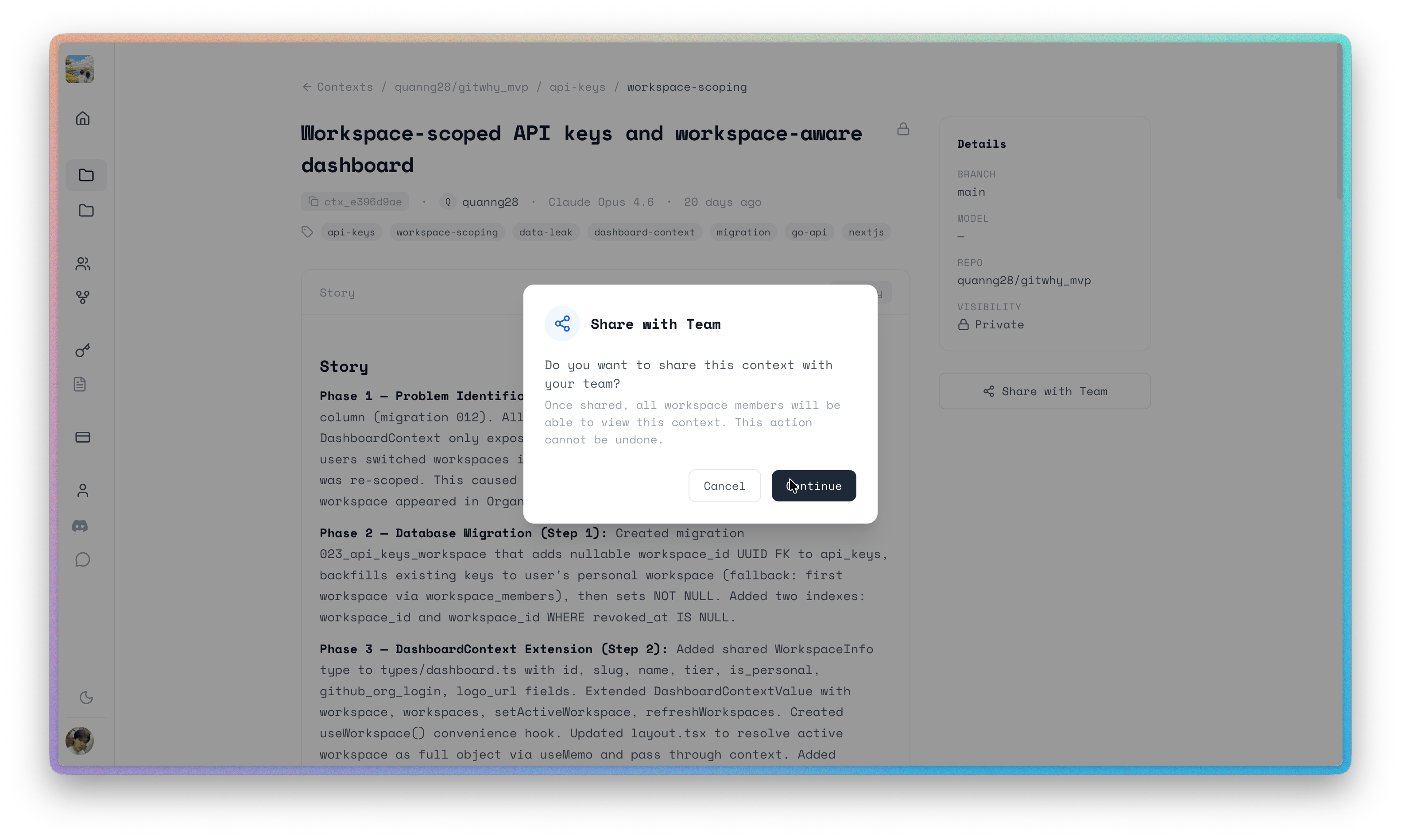
How to share
- CLI
- MCP
- Dashboard
What your team sees
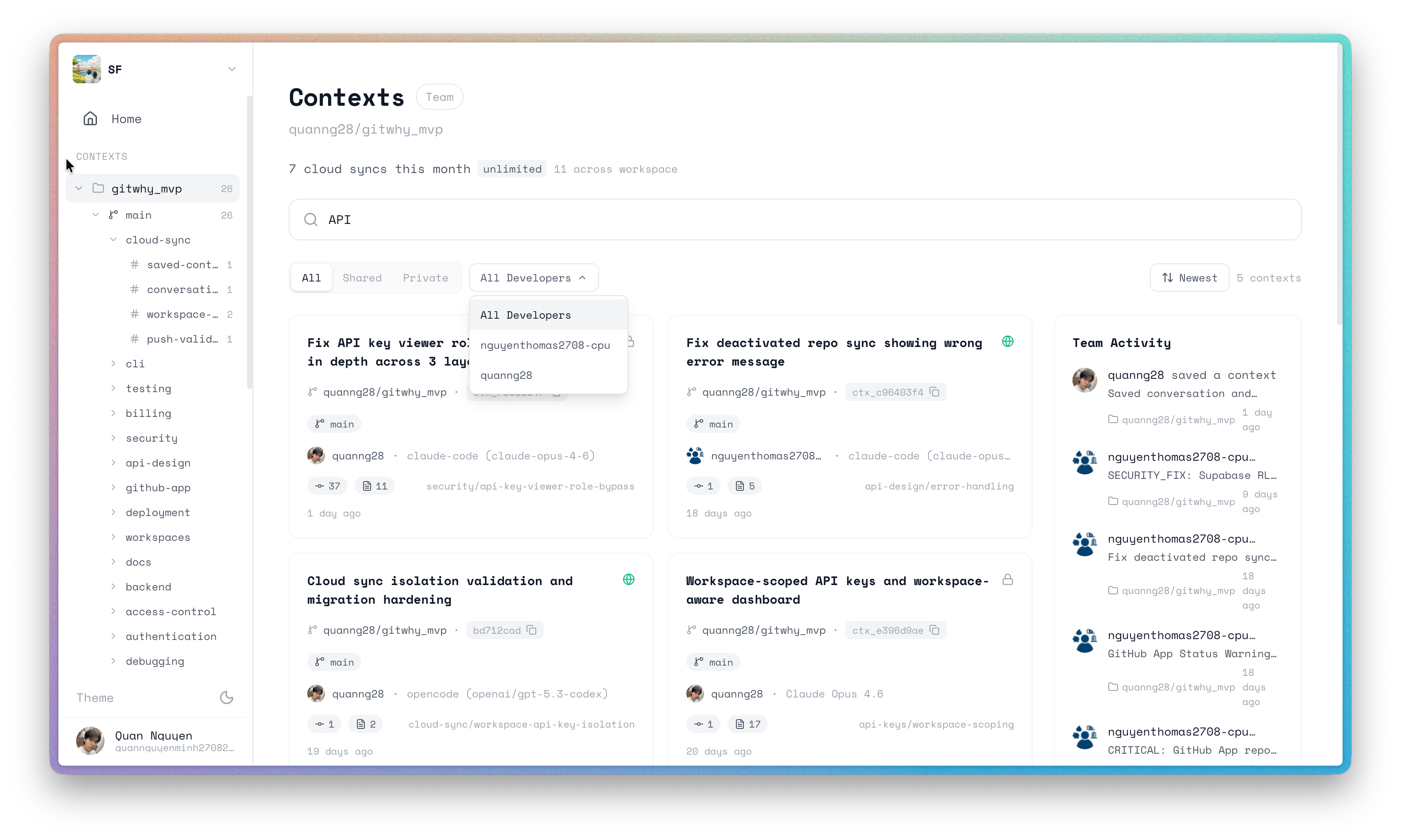
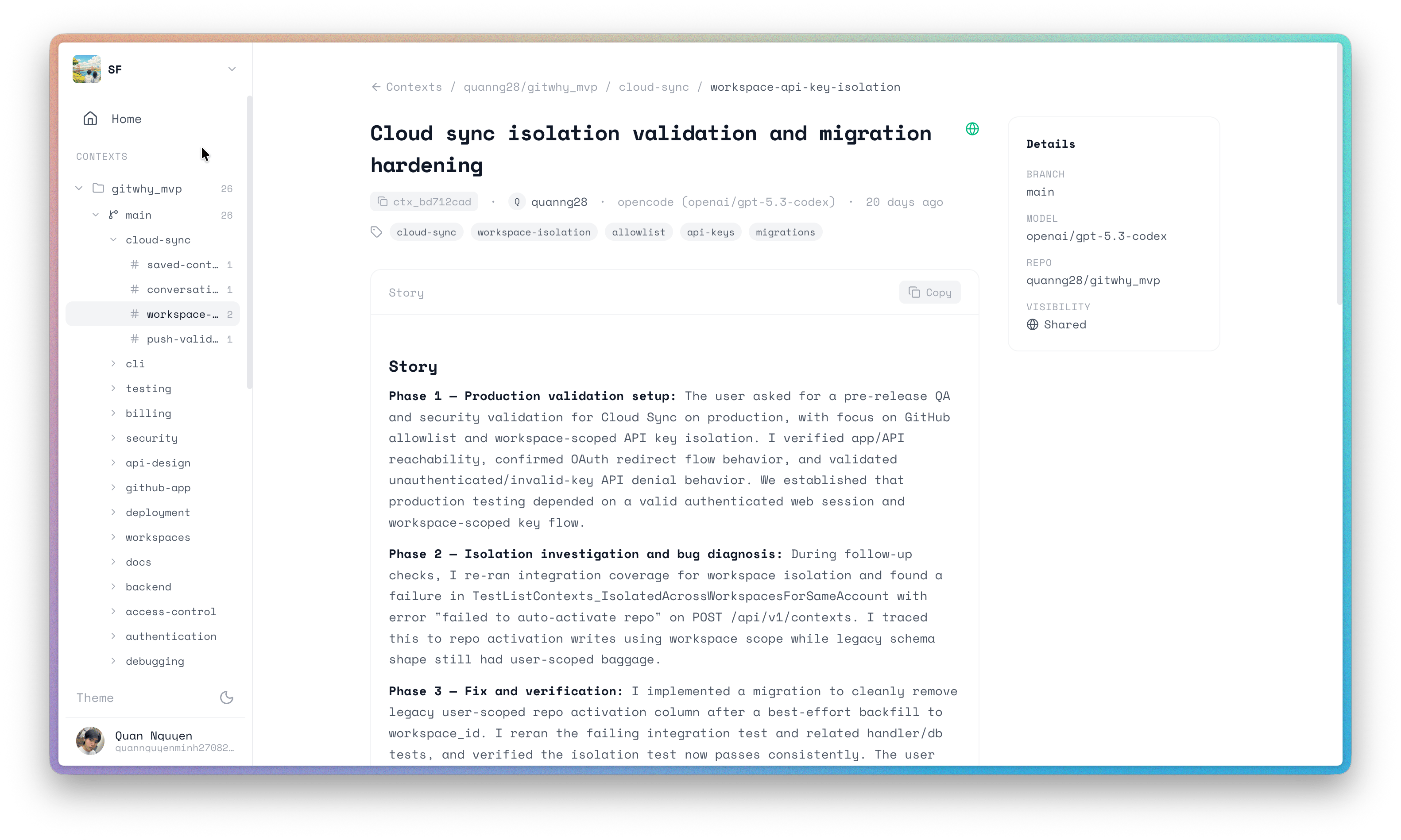
Your team can browse all shared contexts at app.gitwhy.dev, organized by:- Repository — sidebar navigation
- Domain and Topic — tree navigation within each repo
- Context cards — title, agent, commit count, time ago
Why it matters
When a teammate asks “why was the auth middleware built that way?”, the answer is already there — not buried in someone’s chat history.See also
- PR Comments — post context summaries to pull requests
- GitHub App — install gitwhy-bot for PR comments
- Web Dashboard — browse contexts in the browser