

What are local and cloud contexts?
Local contexts live in.git/gitwhy/contexts/ inside your repository. They’re created when you or your agent saves reasoning with git why save. Local contexts are private, offline, and instant — no account needed.
GitWhy can also read WhySpec change context from gitwhy/changes/ inside the repo root. That compatibility path is read-only from GitWhy’s perspective; git why save still writes native GitWhy context into .git/gitwhy/contexts/. Legacy .gitwhy/changes/ remains supported as a fallback while older repos migrate.
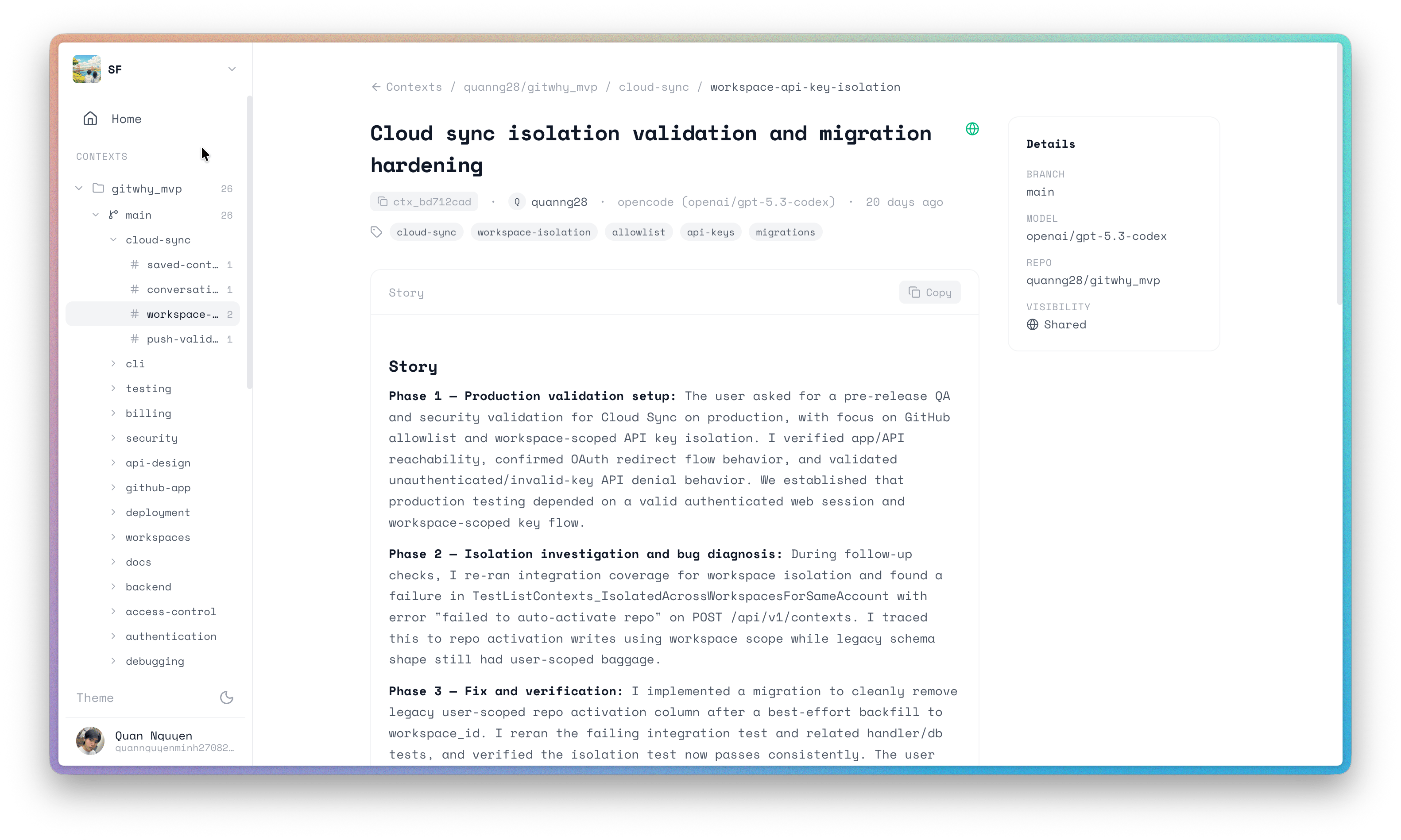
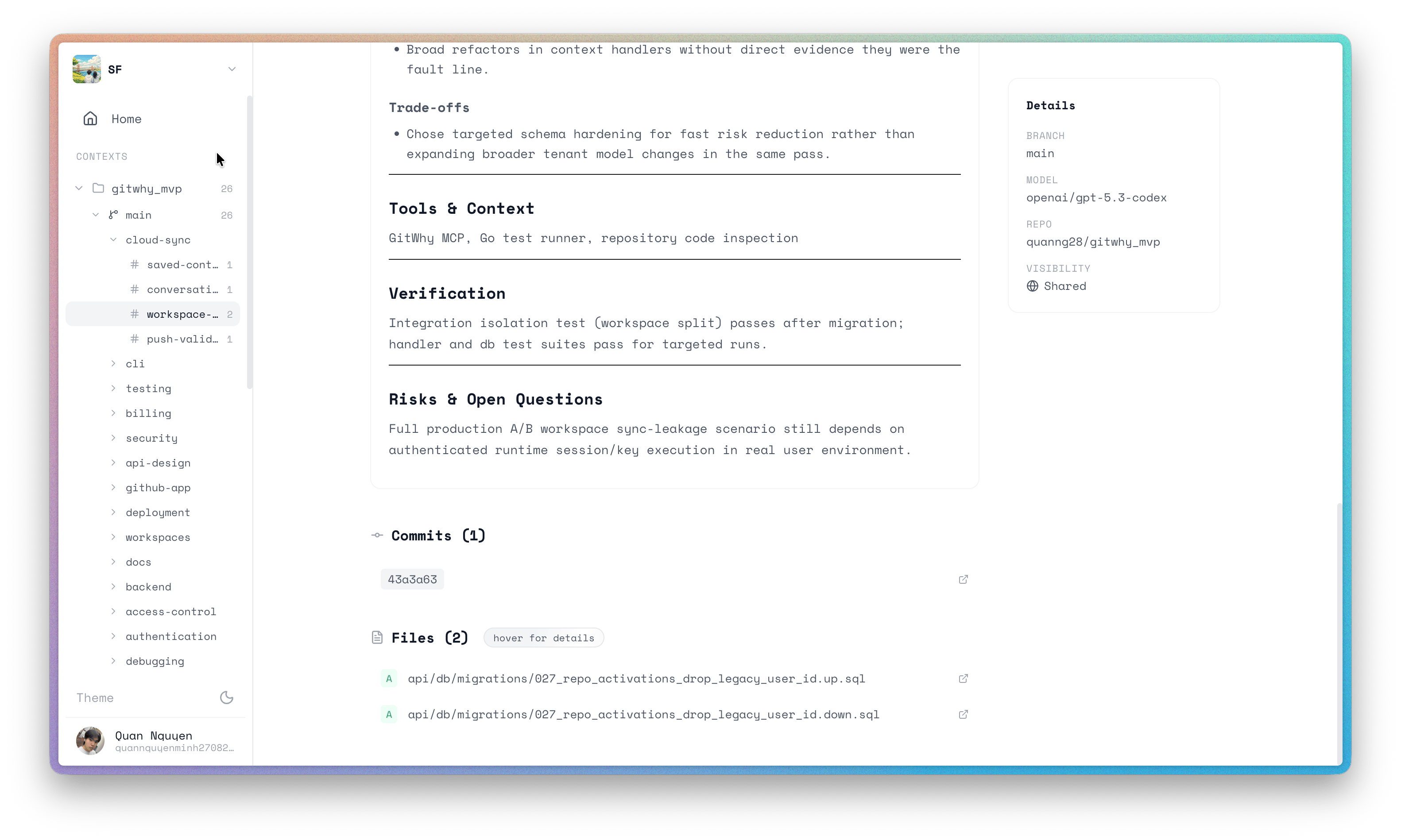
Cloud contexts are local contexts that have been synced to app.gitwhy.dev. Once in the cloud, they can be shared with your team, posted as PR comments, accessed from any machine, and backed up safely.
GitWhy is local-first. Everything starts on your machine. Cloud is an optional upgrade that adds collaboration and backup — it never changes the local workflow.
When to use cloud
Commands: local vs cloud
- CLI commands
- MCP tools
See the CLI Reference for full command documentation and flags.
Accessing your contexts
- CLI
- TUI
- Web Dashboard
- MCP
Use CLI commands for non-interactive, pipe-friendly output:Output goes to stdout — pipe it, redirect it, or script around it. See the CLI Reference for all commands.
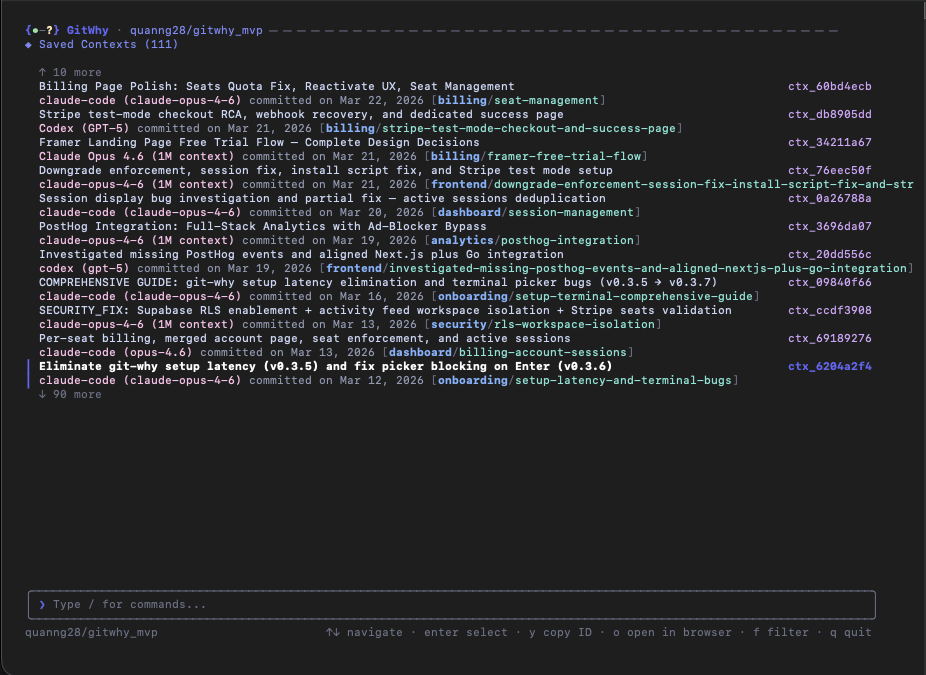
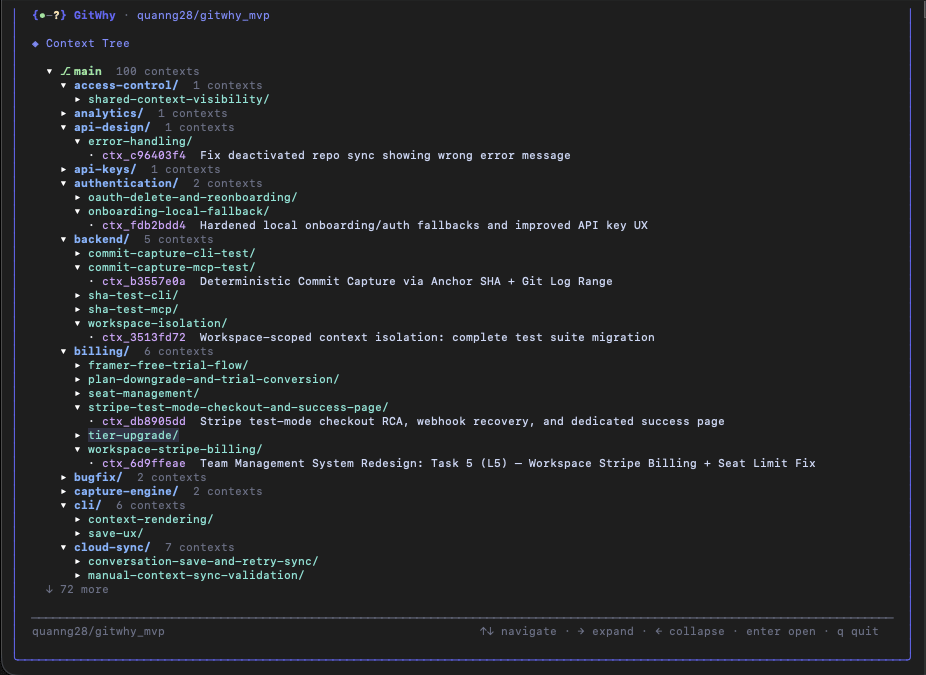
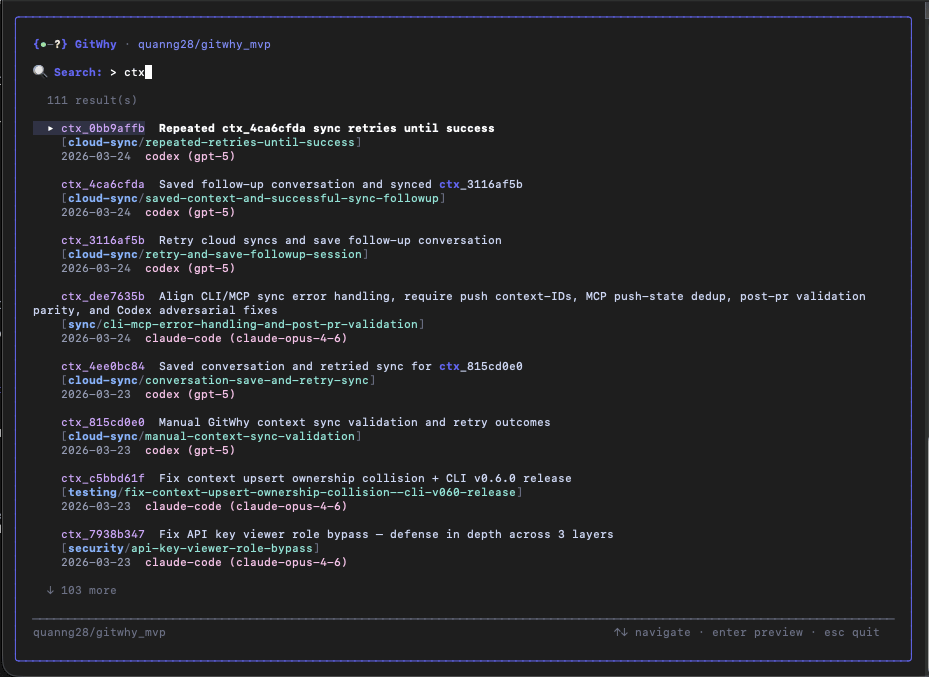
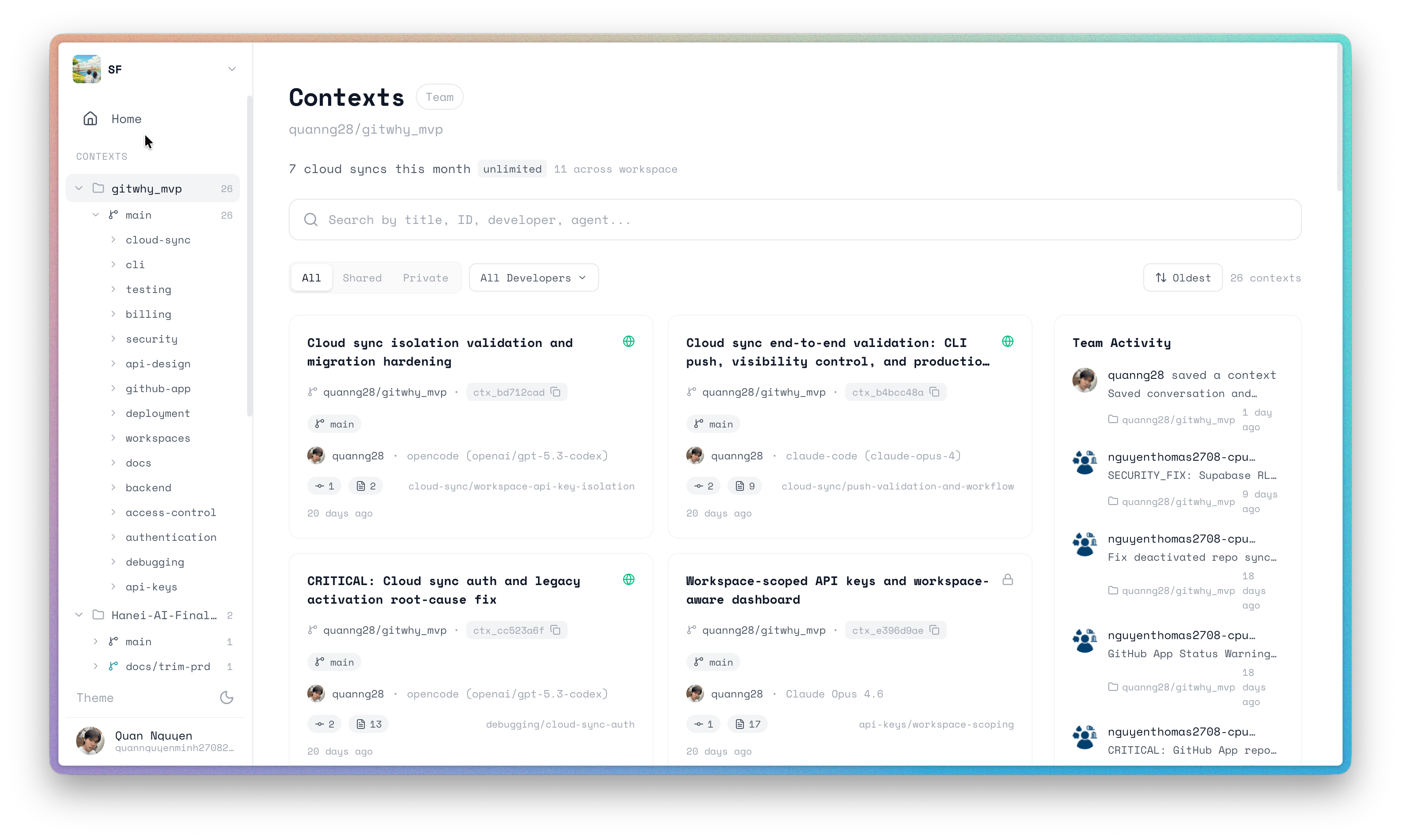
Sync to cloud
- CLI
- MCP
1
Authenticate
2
Push to cloud
3
Share with team
Next steps
Team Sync
Share and discover context across your team.
PR Comments
Post context summaries on pull requests.
Web Dashboard
Browse contexts at app.gitwhy.dev.
TUI
Interactive terminal interface for browsing contexts.